4.5 Editing Classes, Behavior Models, Property Pages, and Properties
You can update classes, behavior models, and property pages and their properties after they are saved:
4.5.1 Editing a Class
-
In the Explorer pane, expand > .
-
Right-click the class element, then select to open the Status property page.
-
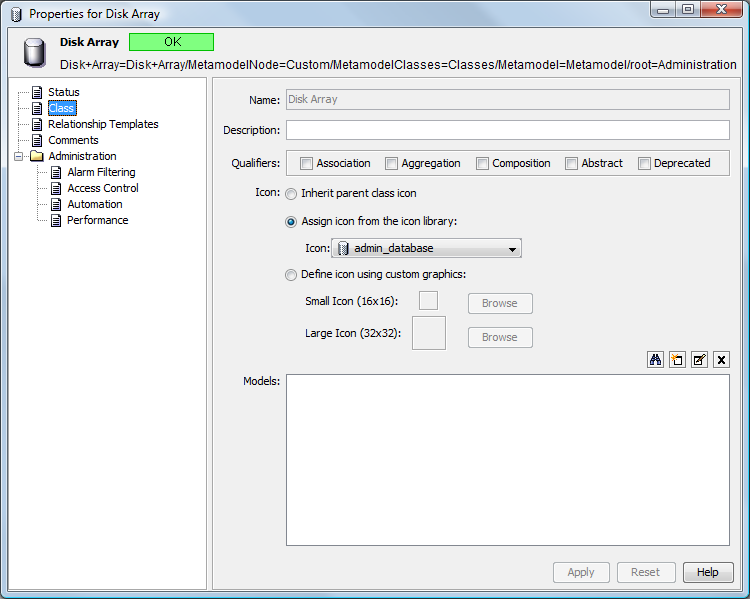
In the left pane, click Class to update the property page.
-
Edit the class as appropriate.
For more information, see Creating and Deleting Classes.
-
Click to update the class.
4.5.2 Editing a Behavior Model
-
In the Explorer pane, expand > .
-
Right-click the behavior model, then select to open the Status property page.
-
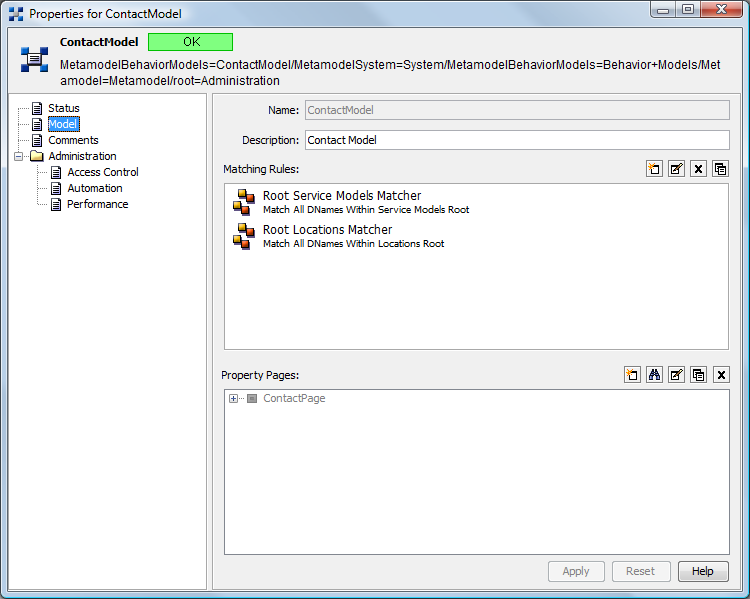
In the left pane, click Model to update the property page.
-
Edit the model as appropriate.
For more information, see Creating and Deleting Behavior Models.
-
Click to update the behavior model.
4.5.3 Editing a Property Page
-
In the Explorer pane, expand > .
-
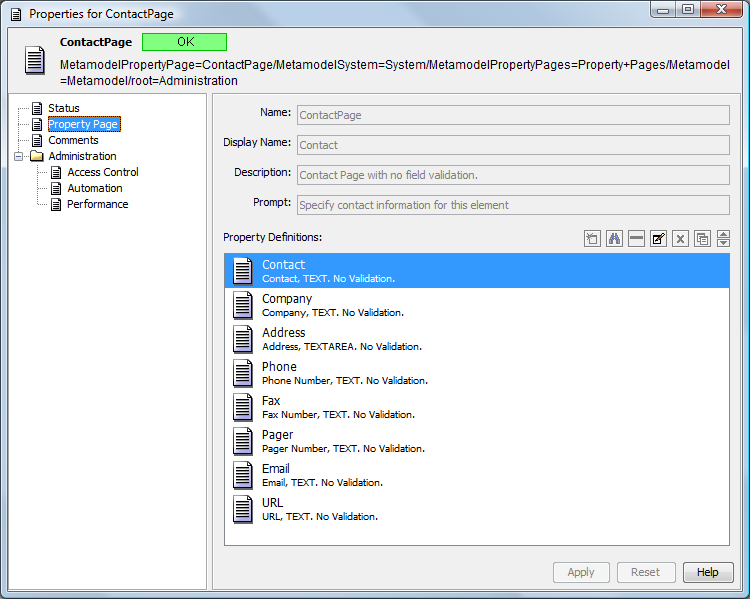
Right-click the property page, then select to open the Status property page:
-
In the left pane, click Property Page to update the property page.
-
Edit the property page as appropriate.
For more information, see Creating and Deleting Property Pages and Properties.
-
Click to update the property page.
4.5.4 Editing a Property
-
In the Explorer pane, expand > > .
-
Right-click the property page that contains the property you want to edit, then select to open the Status property page.
-
In the left pane, click Property Page to update the property page.
-
In the section, select the property you want to edit, then click
 Edit to open the Edit Property page.
-
Edit the property.
For more information, see Creating a Property Page.
-
Click on the property page to save changes.