9.1 Using the PlateSpin Forge Management Console
To begin using the Management Console:
-
Open a web browser on a machine that has access to your PlateSpin Forge instances and navigate to:
https:// Your_PlateSpin_Server /console
Replace Your_PlateSpin_Server with either the IP address or the DNS host name of the Forge VM that is designated as the Manager.
-
Log in with your user name and password.
-
(Initial Logon) On the Welcome page, click , then set up a PlateSpin Server instance as described in Section 9.3, Adding Instances of PlateSpin Protect and PlateSpin Forge to the Management Console.
-
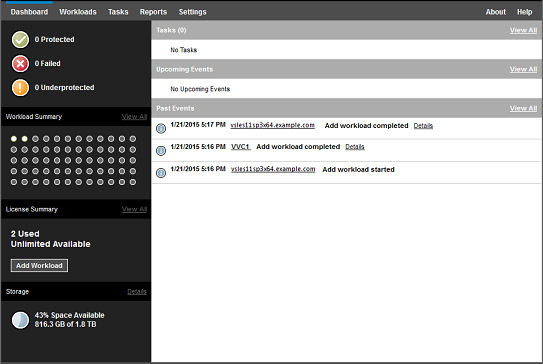
(Subsequent Logons) View the dashboard.