5.7 Running the Forge Appliance Configurator
After its components are installed, the Forge Appliance is ready for default configuration.
To configure the Forge Appliance after installation:
-
In the vSphere Web Client, access the Forge Management VM console window.
-
On the Windows desktop of the Forge Management VM, double-click the shortcut.
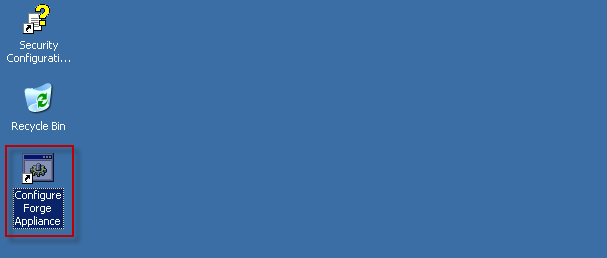
The tool runs for about two minutes. The configuration is complete when the system console displays a SUCCESS message at the command prompt.

-
Shut down the Forge Management VM by using the Shut Down option in Windows. ().
-
When you are prompted, select .
-
After the Forge Management VM has shut down gracefully, continue with Section 5.8, Backing Up the Forge Management VM.