5.8 Backing Up the Forge Management VM
As a precaution after the installation and configuration, you need to back up the Forge Management VM (a.k.a. the “Factory VM”) on the Forge Appliance. The Factory VM will be used if you ever need to perform a Factory Reset operation on the appliance.
To back up the Factory VM:
-
At the local console of the Forge Appliance, press Alt+F1.
-
Log in as root (password: Password1).
-
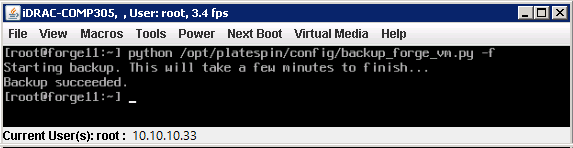
At the console prompt, enter the following command:
python /opt/platespin/config/backup_forge_vm.py -f
Wait for the Python script to complete the factory backup process. It takes about 30 minutes.
-
After the Factory VM backup has completed, continue with Section 5.9, Shutting Down VMware ESXi Host.