10.7 Deleting Roles and Users
10.7.1 Deleting a Role
-
Log in to the Sentinel Log Manager as an administrator.
-
Click in the upper left corner of the page.
The tab is displayed in the right pane.
-
Select the role that you want to delete.
-
Select from the section.
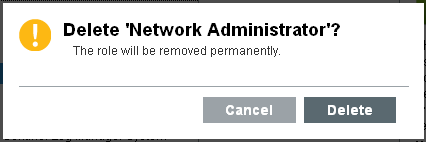
You are prompted to confirm deletion.
-
Click to confirm deletion.
NOTE:If you attempt to delete a role with one or more users, you are prompted the confirm deletion. If you proceed with deletion, the role and the users belonging to that role are permanently deleted.
10.7.2 Deleting a User
If you delete users who are already logged in, the users can continue to use Sentinel Log Manager until they log out.
-
Log in to the Sentinel Log Manager as an administrator.
-
Click in the upper left corner of the page.
The tab is displayed in the right pane.
-
Select the user that you want to delete.
-
Click in the upper right corner of the section.
You are prompted to confirm deletion.
-
Click to confirm deletion.