4.2 Checking the Adapter Status
Check an adapter’s color-coded condition indicator to quickly identify critical situations.
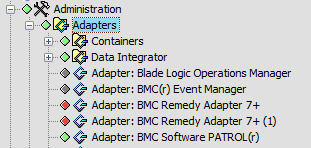
Figure 4-1 illustrates color-coded condition indicators identifying the current adapter status:
Figure 4-1 Explorer Pane
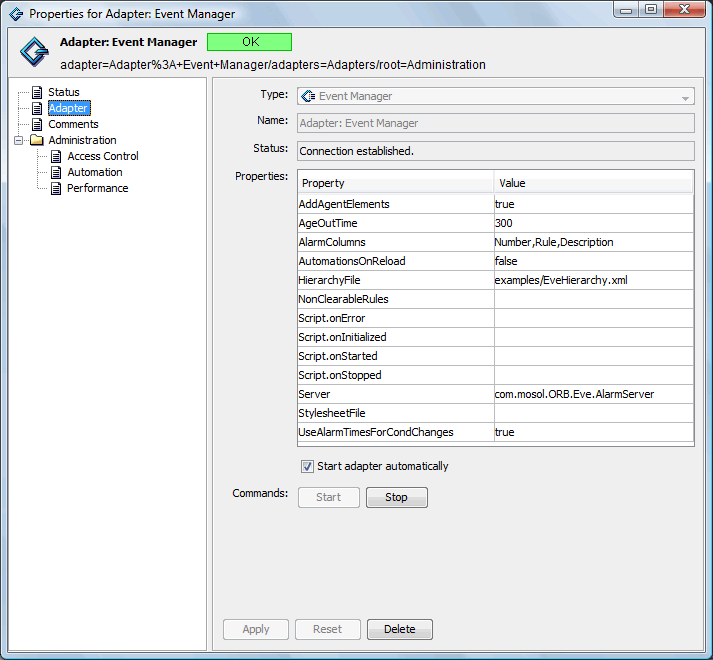
To view the Event Manager adapter properties:
-
In the pane, expand the root element > .
-
Click , then select to open the Status property page:
-
Click to view and if necessary, edit the adapter properties.