13.2 Understanding the Action Manager Interface
The Action Manager allows you to configure actions that can be executed in various contexts throughout the Sentinel system. You can also use the Action Manager to manage Actions and Action plug-ins
Figure 13-2 Action Manager
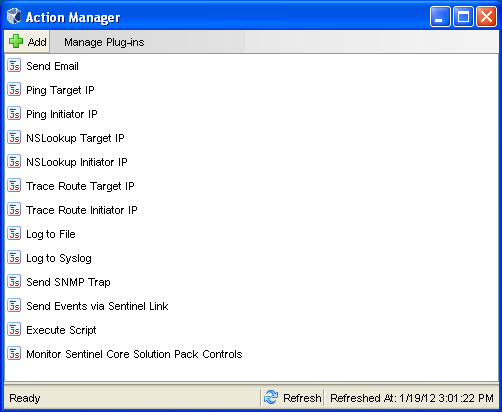
The Action Manager window lists the preconfigured actions. You can configure these Actions further as necessary.
-
Actions: To configure an Action, select the desired action, then click View/Edit.
-
Add: Allows you to add an action. For more information, see Section 13.3.1, Adding an Action.
-
Manage Plug-ins: Allows you to import new and updated action plug-ins, and manage the action plug-ins. For more information, see Section 13.4, Managing Action Plug-Ins.