4.3 Viewing License Information
The product Dashboard provides a License Summary that displays the total number of installed licenses and the current number of consumed licenses.
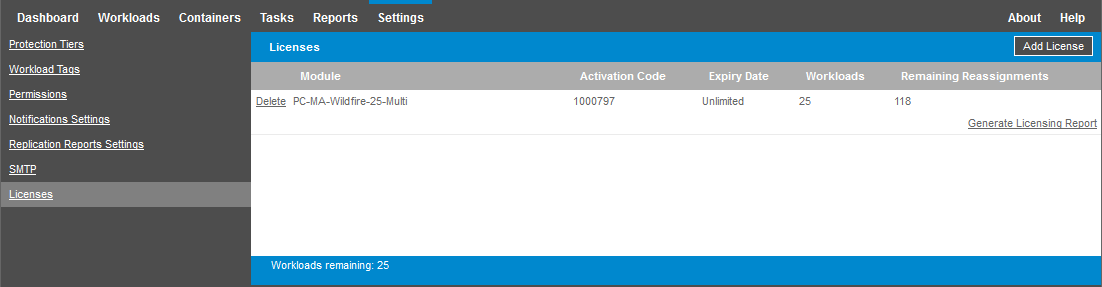
You can view information about the workload licenses installed on a PlateSpin Server on the Licenses page. For each license, you can view the current number of used workload licenses and the current number of remaining reassignments available for used licenses.
To view license information:
-
In the Web Interface, select > .
-
View the license information:
-
Activation Code
-
Expiry Date
-
Workloads
-
Remaining Reassignments
-
-
View for the number of available unused licenses.