5.4 Customizing the Display
5.4.2 Selecting Element Node Styles
To change the node display type:
-
Right-click the view background and select one:
Name
Display renders…
Sample Rendering
Classic
Element nodes display similar to the classic view.

Bubble
Element nodes display with rounded strong borders.

Detailed
Element nodes display with larger boxes that show basic details about the element state.
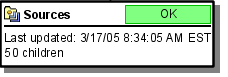
Tooltip
Element nodes display in narrow tooltip boxes.