6.5 Renaming a Report Result
-
Log in to Sentinel Log Manager.
-
In the Reports section.
-
Click a report definition to view the report results in the Report Viewer pane.
-
Select a report result.
-
Do one of the following:
-
Click the drop-down list in the Report Viewer pane and select .
-
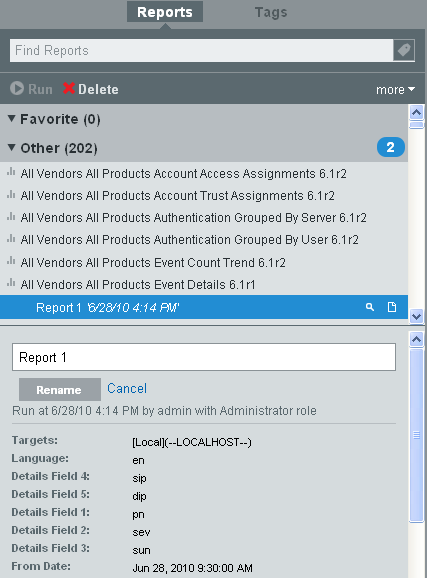
Double-click the report name in the status pane.
-
-
Specify a name in the bottom left status pane.
-
Click .
The selected report result is renamed under the report definition.