3.3 Alarms Portlet in the Dashboard
Change events can also be monitored and used in reports by using the Alarms portlet in the Operations Center dashboard.
To set up the Alarms portlet for change events:
-
In the dashboard, add the Alarms portlet to a page.
For more information about the Operations Center dashboard and the Alarms porlet, see the Operations Center 5.0 Dashboard Guide.
-
Click
 and select
  and configure the portlet on the tab:
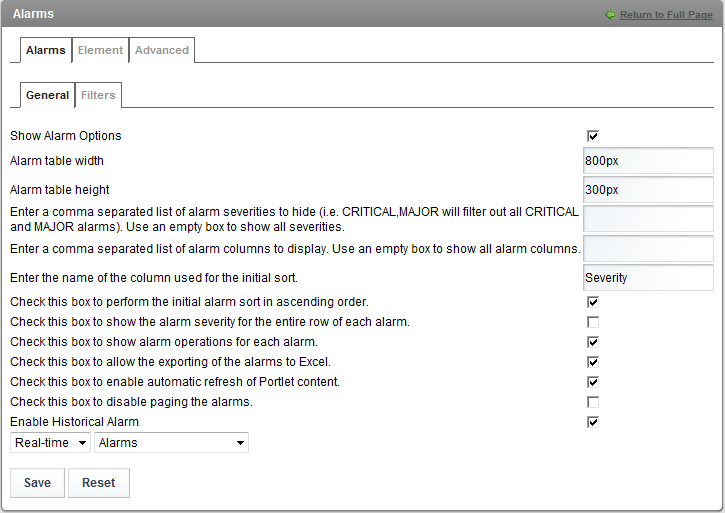
-
Select the check box to allow Change Events to be viewed in the Alarms portlet.
-
Click to save the settings, then .
-
From the Alarms portlet, select , then select for the alarm type:
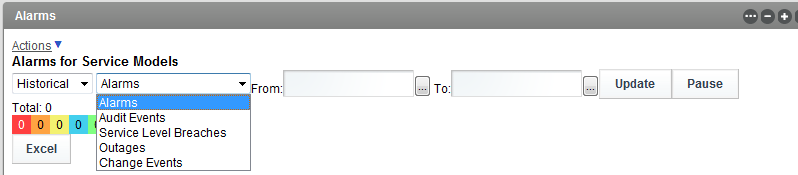
-
Use the calendar selectors to select a date range, then click .
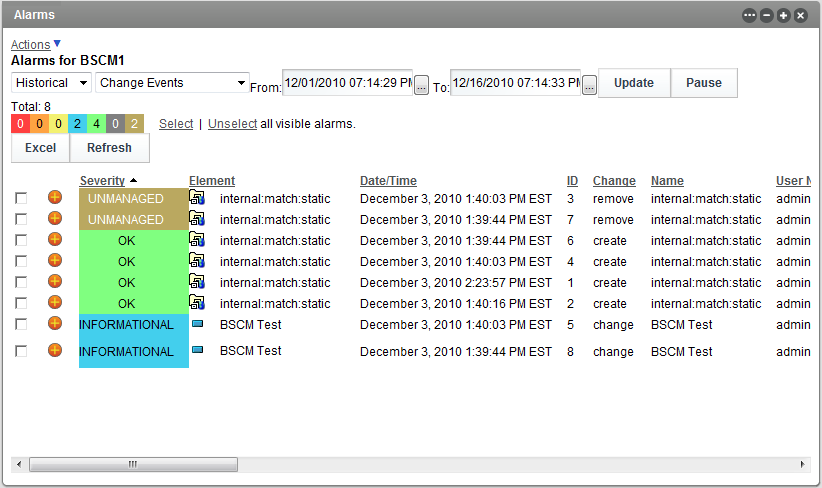
For more information about the Operations Center dashboard, see the Operations Center 5.0 Dashboard Guide.
-
Click to view the change events: