7.4 Viewing and Managing Community Roles
A list of users and their roles can be viewed from inside the Edit Community dialog box.
To update roles for community users:
-
From the main menu, click , then select .
A list of all communities displays.
-
Find the community of interest, then click the link for the community name to open the Edit Community dialog box.
-
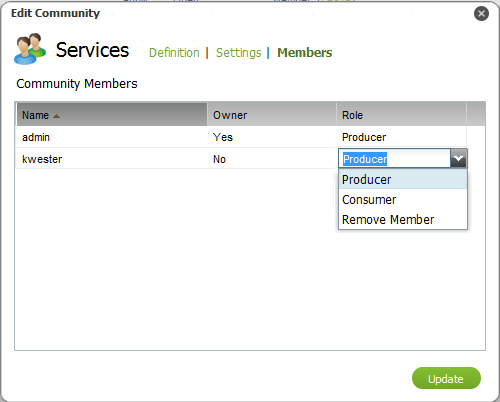
Click to display a list of all users:
-
To change a user’s role, click the value in the user’s row to display a drop-down list.
Select or to change the user’s role for that community.
-
Click to save changes and close the dialog box.