1.0 Configuring an Identity Server
After you log in to the Administration Console, click Devices > Identity Servers. The system displays the Identity Servers that can be managed from this Administration Console.
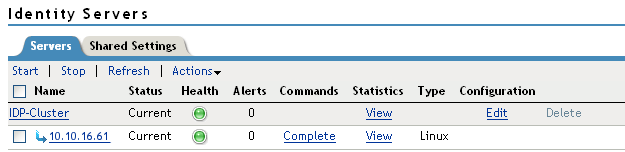
The cluster configuration defines how the Identity Server functions in an Access Manager configuration. You can assign multiple servers to use the same configuration, which enables failover and load balancing services
For information about configuring local authentication options, see the following: