3.6 Logging In to the Administration Console
The Administration Console supports the following Web browsers:
-
Microsoft Internet Explorer 8.x or higher
-
Mozilla Firefox
WARNING:The Administration Console is a combination of iManager and a device manager. It has been customized for Access Manager Appliance so that it can manage the Access Manager Appliance components.
You cannot use it to log into other eDirectory trees and manage them.
You should not download and add iManager plug-ins to this customized version. If you do, you can destroy the Access Manager Appliance schema, which can prevent you from managing the Access Manager Appliance components. This can also prevent communication among the modules.
You should not start multiple sessions of the Administration Console on the same machine through the same browser. Because the browser shares session information, this can cause unpredictable results in the Administration Console. You can, however, start different sessions with different brands of browsers.
To log in:
-
Enable browser pop-ups.
-
From a client machine external to your Administration Console server, launch your preferred browser and enter the URL for the Administration Console.
If the hostname of your Access Manager Appliance is www.host.com, you would enter http://www.host.com:8080/nps.
-
Click to accept the certificate. You can select either the permanent or temporary session certificate option.
-
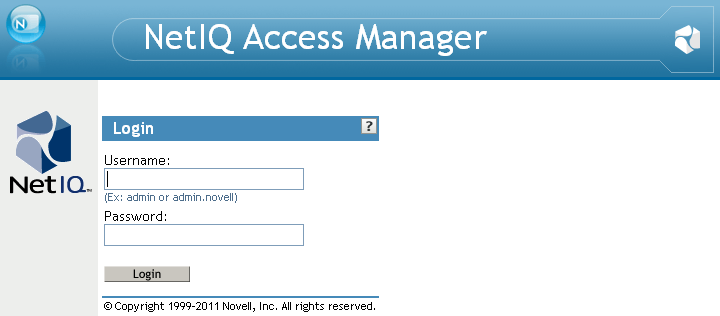
On the Login page, specify the administrator name and password that you defined during the Administration Console installation.
-
Click .
The following view appears:
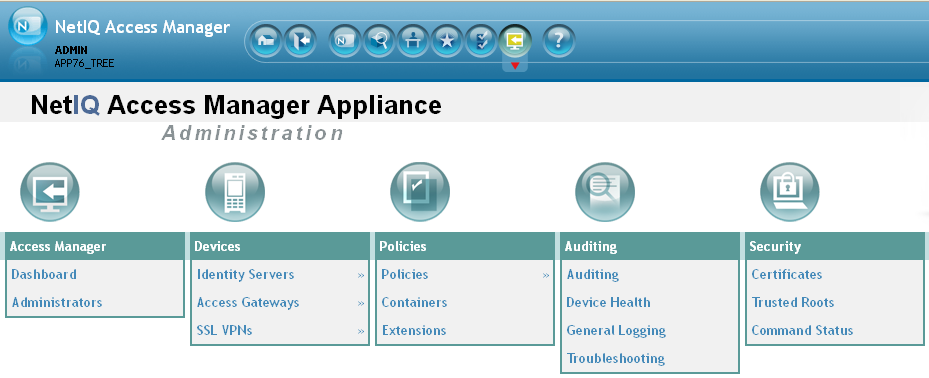
For more information about this view or about configuring the Administration Console for the Access Manager Appliance 3.2 view, see
Configuring the Default View
in the NetIQ Access Manager Appliance 3.2 SP3 Administration Console Guide.IMPORTANT:All of the configuration and management tasks in the Access Manager Appliance documentation assume that you know how to log in to the Administration Console.
To understand the conventions of the Administration Console, see Section 3.7, Administration Console Conventions.