1.3 Setting up User Stores for Identity Server Configuration
After you log in to the Administration Console, click Devices > Identity Servers. The system displays the installed server, as shown in the following example:
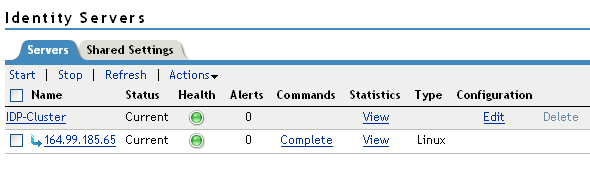
At this point the Identity Server is in configured state and is functional with Default User Store.
To configure the user store, you need the following information:
-
The IP address of an LDAP directory (user store). The LDAP directory is used to authenticate users. The trusted root certificate of the user store is imported to provide secure communication between the Identity Server and the user store.
-
The distinguished name and password of the administrator of the LDAP user store.
-
Configure the User Store. For information about configuring User Store, see
Configuring the User Store
in the NetIQ Access Manager Appliance 3.2 SP3 Identity Server Guide. -
(Optional) Verify the configuration:
-
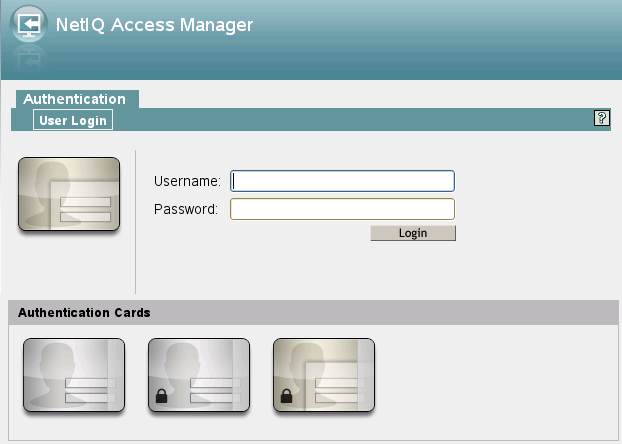
In a browser, enter the Base URL of the NetIQ Access Manager Appliance. Click the Sample Application Link. You will be redirected to the Login Page.
-
Log in using the credentials of a user in the LDAP server.
-
(Conditional) If the URL returns an error rather than displaying a login page, verify the following:
-
The browser machine can resolve the DNS name of the Identity Server.
-
The browser machine can access the port.
-
-