14.1 Final Configuration for the Workflow Process
In order for the workflow process to work properly, a Named Password must be set on the business-logic driver.
-
In iManager select from the list of Roles and Tasks.
-
Browse to and select the driver set. The context is driverset1.idm.services.system.
-
Click the driver set to display all of the drivers stored in the driver set.
-
Click the upper right corner of the business-logic driver, then select .
-
Select the tab.

-
Select the Workflow User Password to edit it.
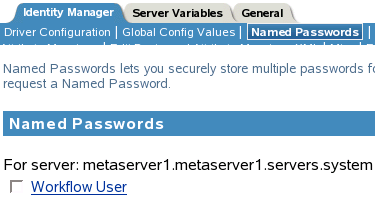
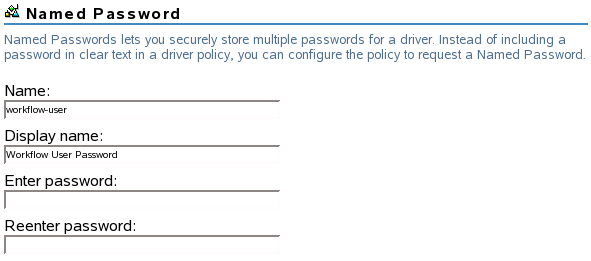
The Named Password has been created, but there is no password set.
-
Specify the password n0v3ll in the password fields, then click to save the changes.
-
Click to exit the properties of the business-logic driver.
-
Proceed to Section 14.2, Starting the Drivers.