3.2 Viewing the Version Information as a Text File
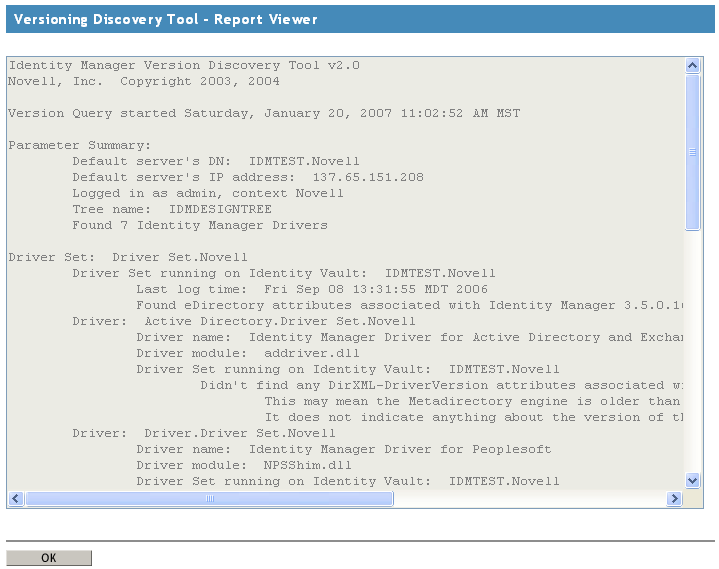
Identity Manager publishes versioning information to a file. You can view this information in text format. The textual representation is the same information contained in the hierarchical view.
-
In iManager, click , then click to find the driver sets in the Identity Vault.
-
Click the specific driver set in the list.
-
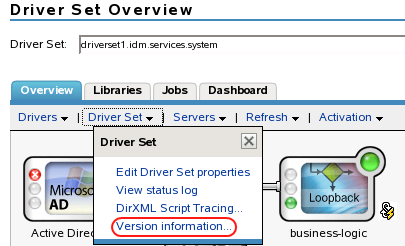
Click in the Driver Set Overview page.
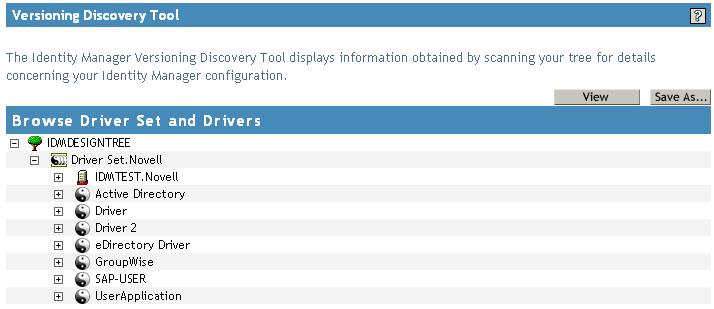
You can also select , then browse to and select the driver set, then click .
-
In the Versioning Discovery Tool dialog box, click .
The information is displayed as a text file in the Report Viewer window.