2.1 Help from the Welcome Page
When Designer starts, a Welcome page appears and makes it easy for you to get started.
Figure 2-1 The Welcome Page
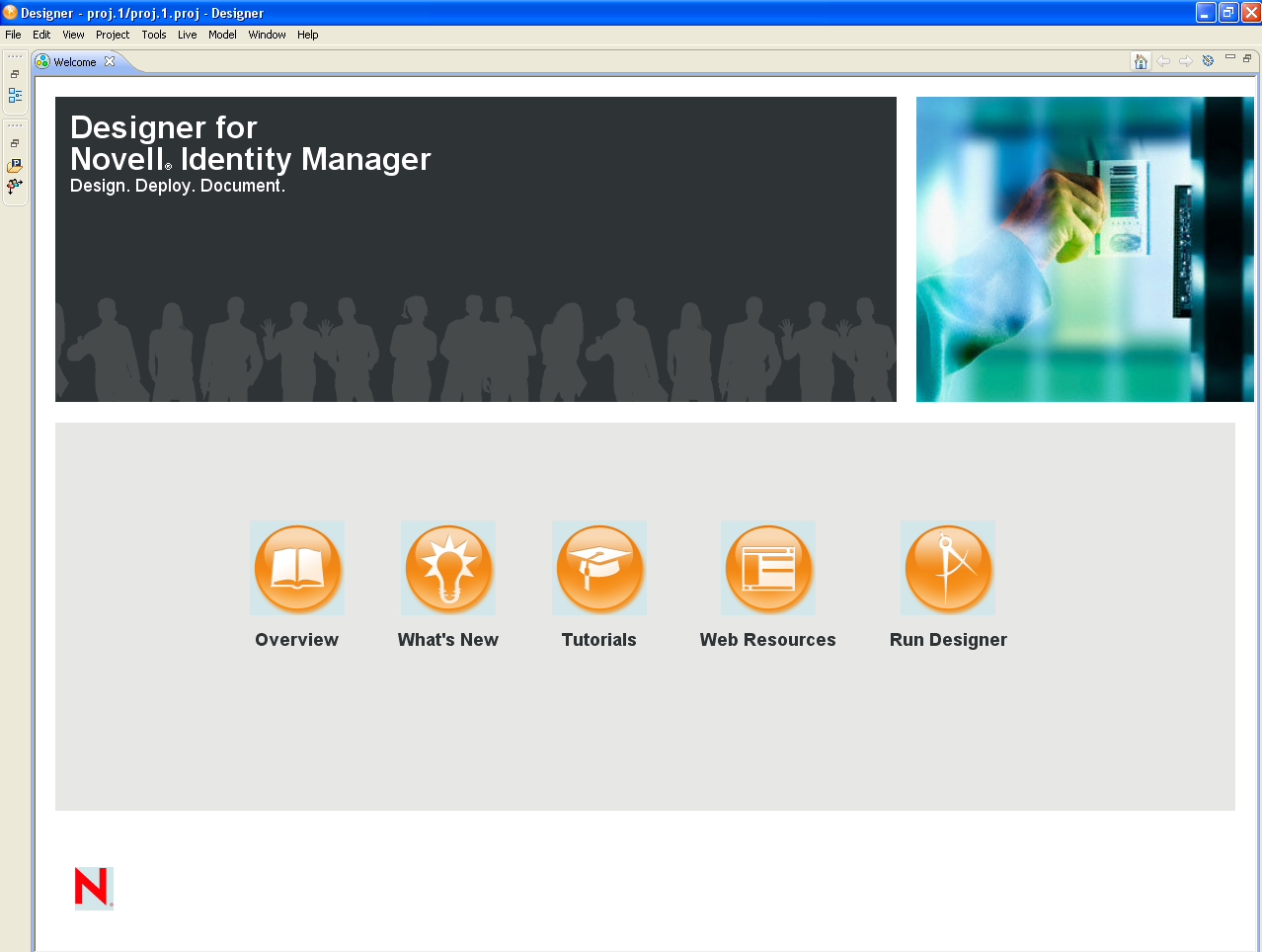
Table 2-1 Options on the Welcome Page
|
Option |
Description |
|---|---|
|
Overview |
Provides an overview of Designer and Identity Manager. |
|
What’s New |
|
|
Tutorials |
Launches Flash demos of some Designer tasks. |
|
Web Resources |
Provides links to online information and downloads. |
|
Run Designer |
Takes you to the Designer program. |
The icons on the toolbar take you to the Welcome page, toggle between previous and next pages, and enable you to customize the Welcome page.
Figure 2-2 Icons on the Toobar

You can close the Welcome page at any time by clicking the next to .
Figure 2-3 The Close Icon
To return to the Welcome page, click > .