6.2 Editing Entitlements in iManager
-
In iManager, click
 to display the Identity Manager Administration page.
-
In the list, > click .
-
If the driver set is not listed on the tab, use the field to search for and display the driver set.
-
Click the driver set to open the Driver Set Overview page.
-
Click the driver to display the Driver Overview page.
-
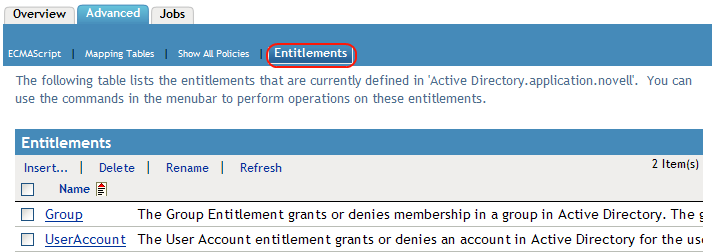
On the Driver Overview page, click the tab, then click .
-
Click the entitlement you want to edit.
-
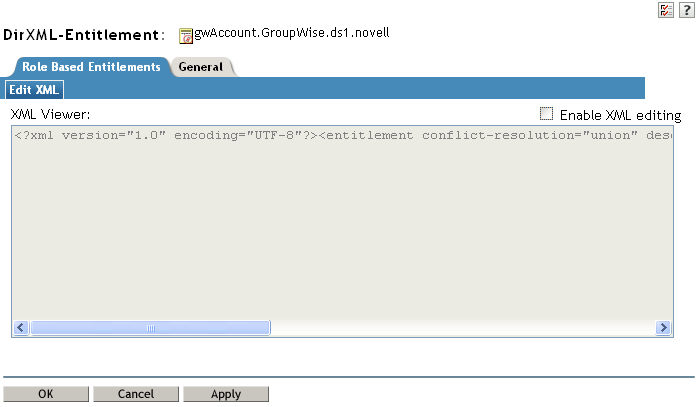
Check , then edit the entitlement. See Section A.0, Writing Entitlements in XML for details.
-
Click when you’ve finished editing the XML.