2.8 Installing the Driver Files
To install the driver files you must perform one of the following actions based on your platform:
-
Linux:
-
Navigate to the extracted driver zip folder .
-
Install the netiq-DXMLEpic.rpm in your driver installation directory by running the following command in a terminal window.
rpm -Ivh <rpm file path>/netiq-DXMLEpic.rpm
-
Restart Identity Vault.
-
-
Windows:
-
Navigate to the extracted driver zip folder .
-
Copy the EpicDriverShim.jar file into the /opt/ novell/eDirectory/lib/dirxml/classes directory, or \Novell\RemoteLoader\lib if the driver is installed with the Remote Loader.
-
Restart Identity Vault.
-
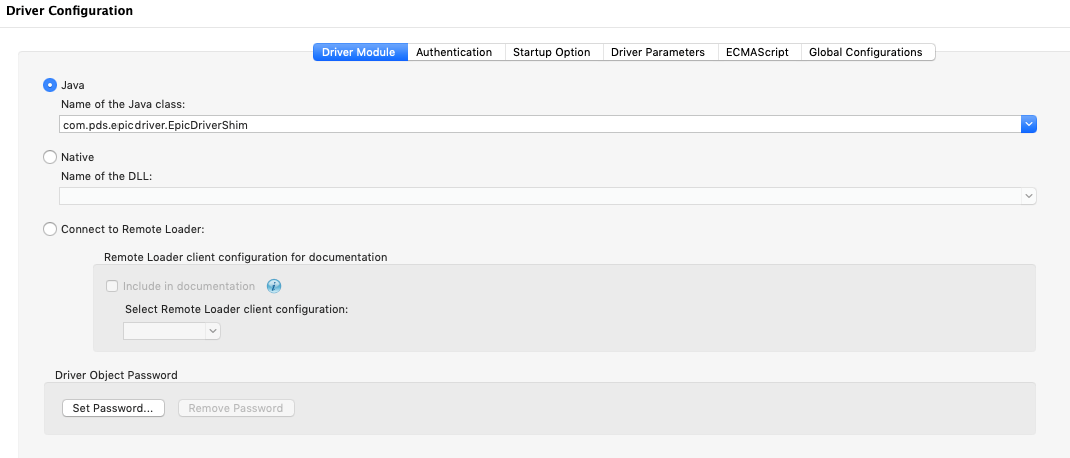
When creating the Designer driver object, set the name of the Java class to com.pds.epicdriver.EpicDriverShim, as shown in the following image: