7.6 Shutting Down Multiple VMs
-
In the Orchestration Console, click > .
The Shutdown VMs dialog box is displayed.
-
You can choose to shut down the VMs after the Orchestration Agent becomes idle or to immediately shut down the VMs. By default, the option is selected.
-
In the pane, select the VMs you want to shut down, then click .
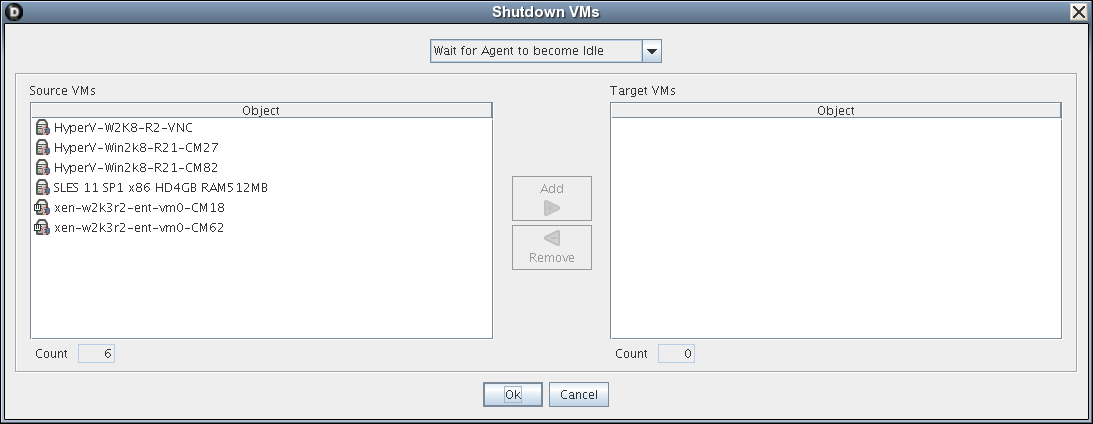
The selected VMs are added to the pane.
-
Click .