6.5 Restarting VM Hosts
To restart a single VM host:
-
In the Orchestration Console, right-click the VM host you want to start, then click .
To restart multiple VM hosts:
-
In the Orchestration Console, click > .
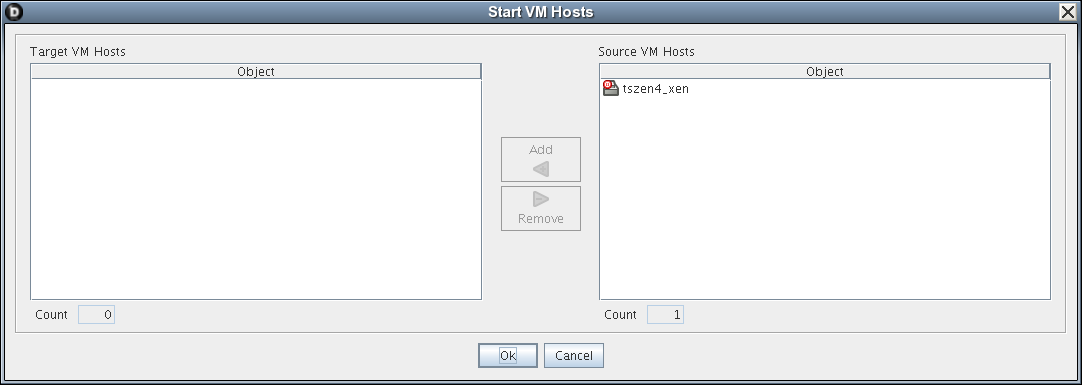
The Start VM Hosts dialog box is displayed.
-
In the pane, select the VM hosts you want to restart, then click Add.
The selected VM hosts are added to the pane.
-
Click .