3.5 TOTP and Offline Authentication
3.5.1 TOTP and Offline Authentication
If your device doesn't have an internet connection or you have the TOTP method (not Smartphone) enrolled follow the instruction to perform authentication.
-
On the Welcome screen tap button. You will see a list of enrolled authenticators.
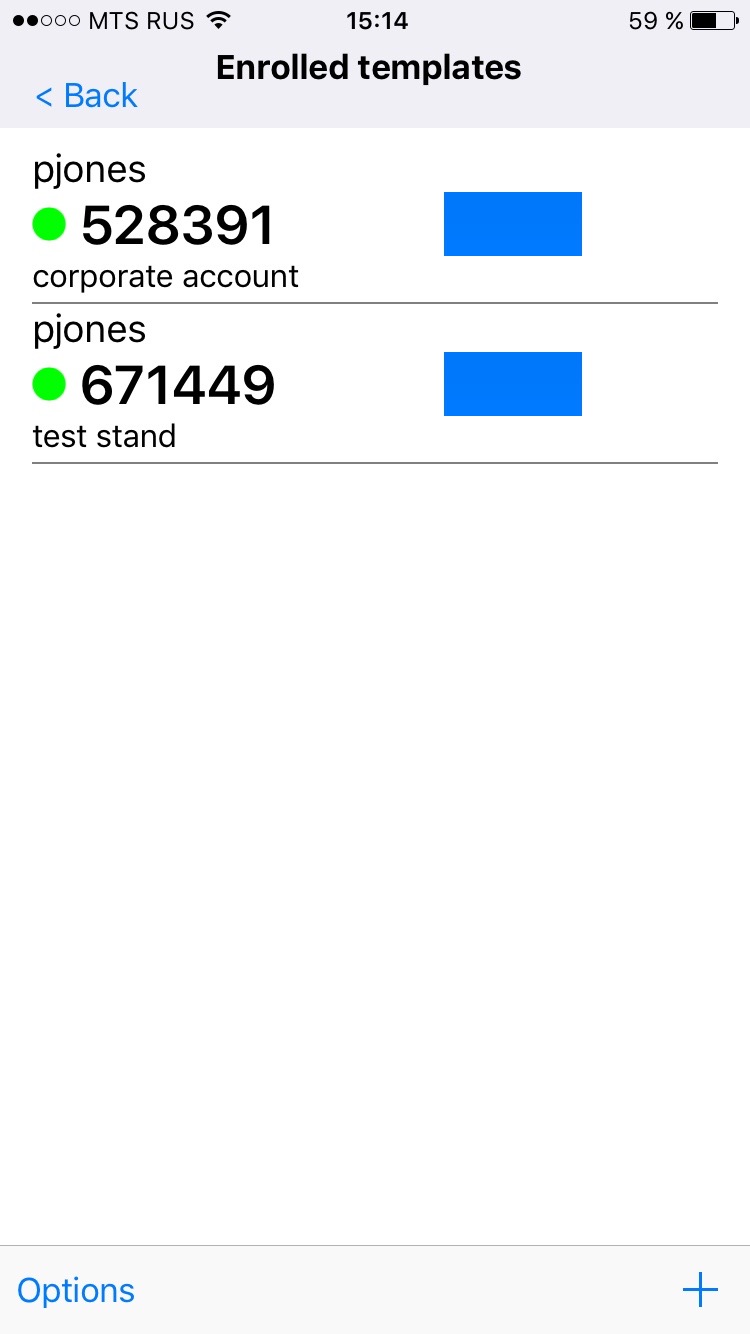
-
Use a shown one-time password value to authenticate.
HINT:If you are not able to authenticate ensure that a time on your device is synchronized.